
What to do after you send a quote
Sending the quote is not the end of the job. What happens next decides whether it turns into work, and a few simple habits make it easier for everyone.
Give every quote a reference
A reference such as QF-20261028-9639 lets you and your client refer to the same document. QuoteFlow makes one automatically from the date and the total, or you can type your own.
Say how long it is valid
Prices and availability change. QuoteFlow lets you set how many days the quote is valid, with 14 as the starting point, and prints it on the quote.
Make replying easy
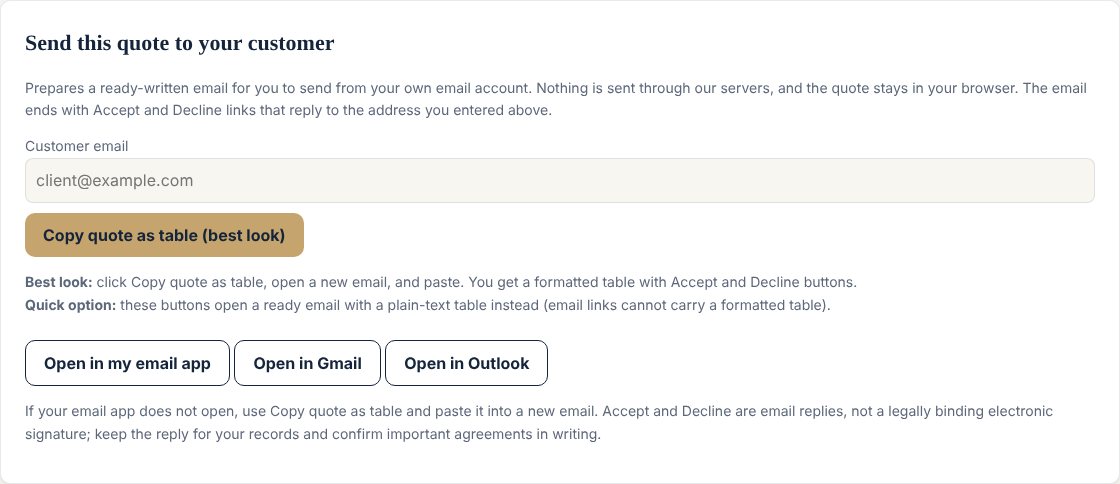
The email ends with Accept and Decline links. Clicking one opens a reply to the address you entered, with the subject "ACCEPTED" or "DECLINED" followed by the reference, so you can spot answers at a glance. These are email replies, not a legally binding electronic signature. Keep them for your records, and confirm important agreements in writing.
Follow up before it expires
If you have heard nothing, write once before the validity date. Keep it short: confirm the quote is still open and ask whether anything needs clarifying.
When they ask for a discount
Look at your numbers first. QuoteFlow shows how many hours of work a discount gives away, and whether your effective hourly rate still meets your minimum. The full quote pack includes a short script for discount requests, built around three alternatives to simply cutting the price: a smaller scope, phasing the project, or a better price in return for a larger deposit or faster payment.
Build and send yours with the free QuoteFlow calculator. To write the quote itself, read how to write a quote clients say yes to.